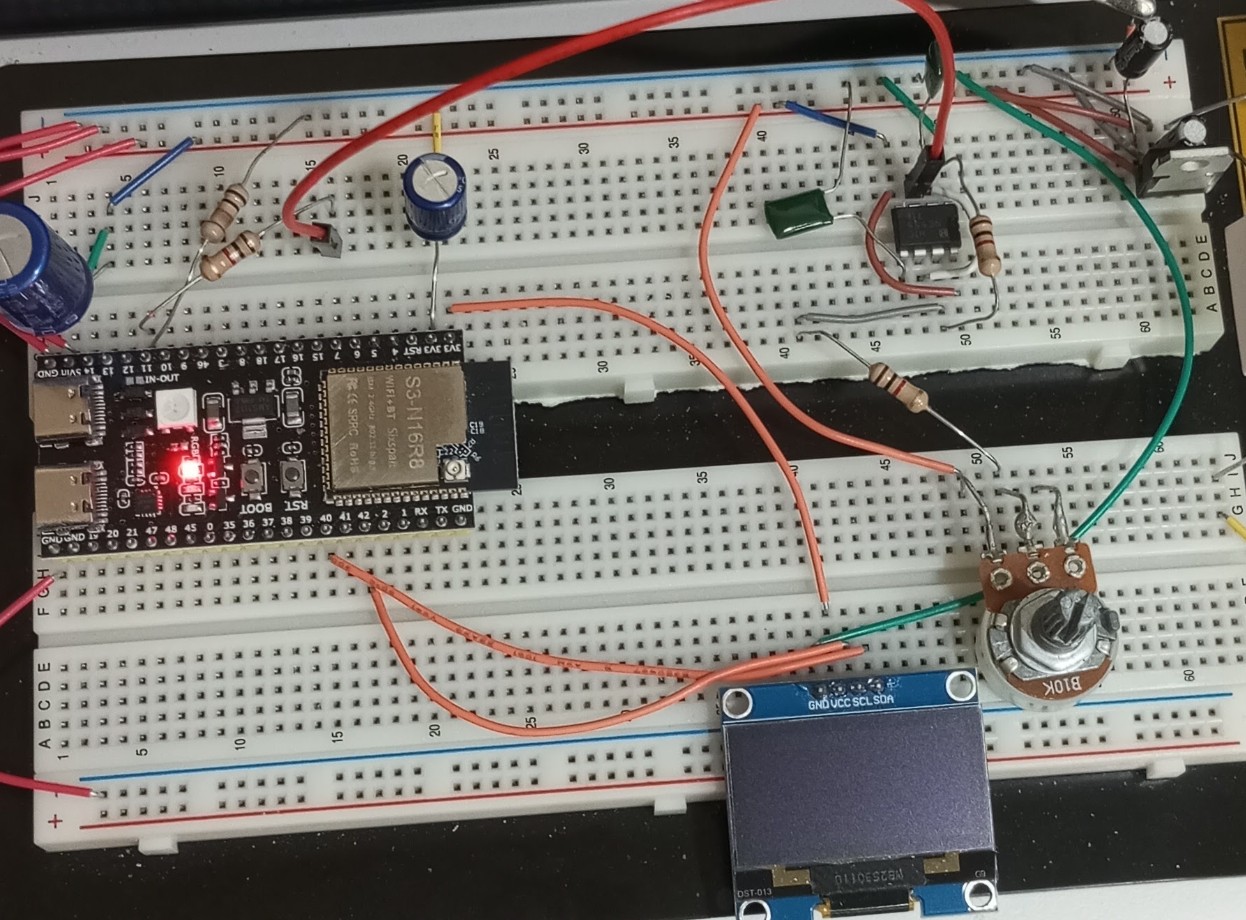
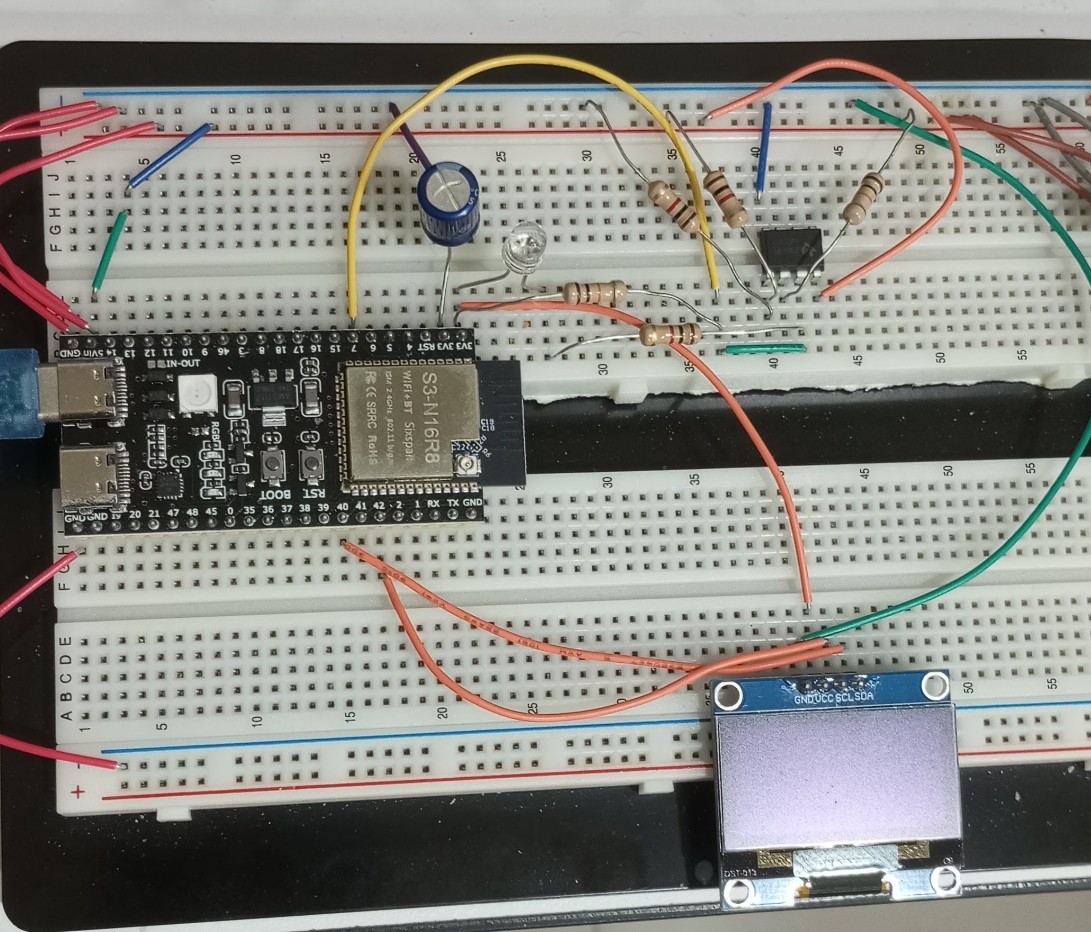
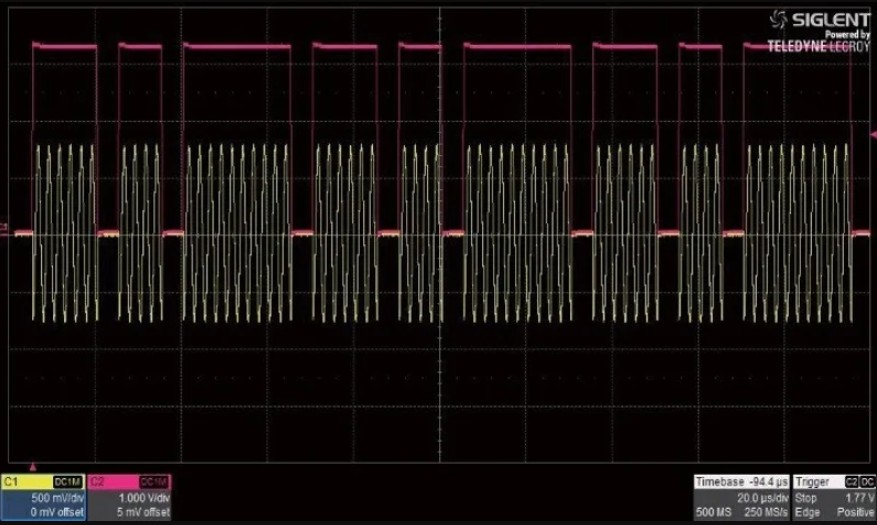
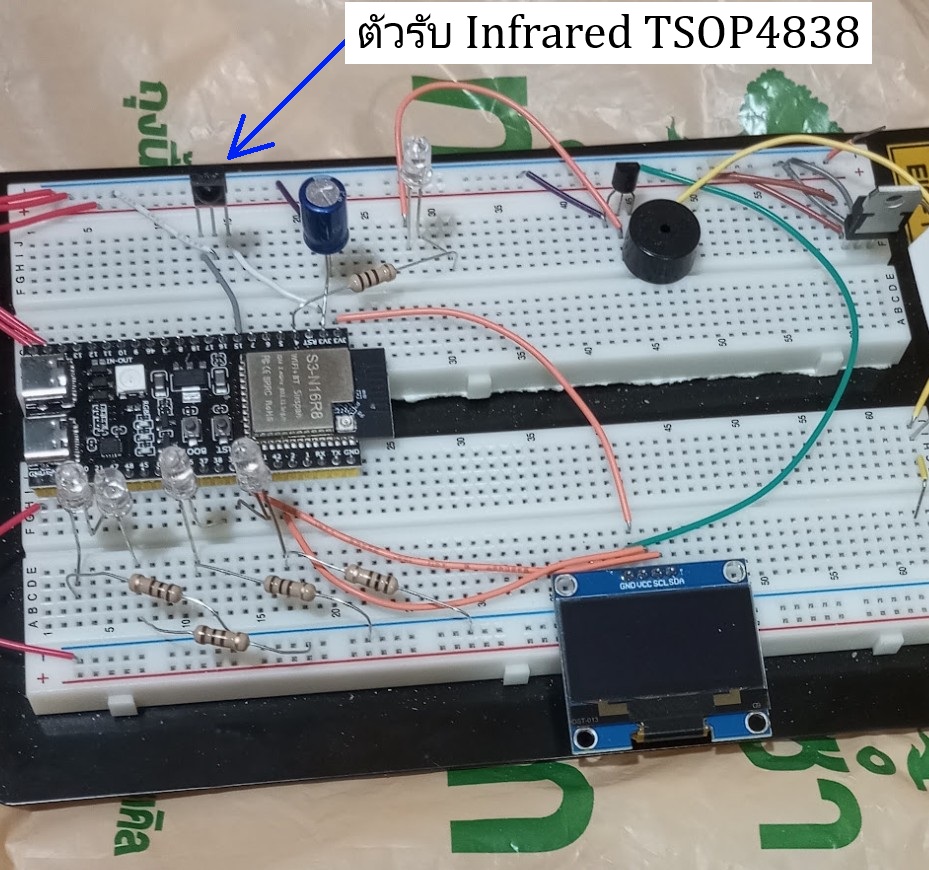
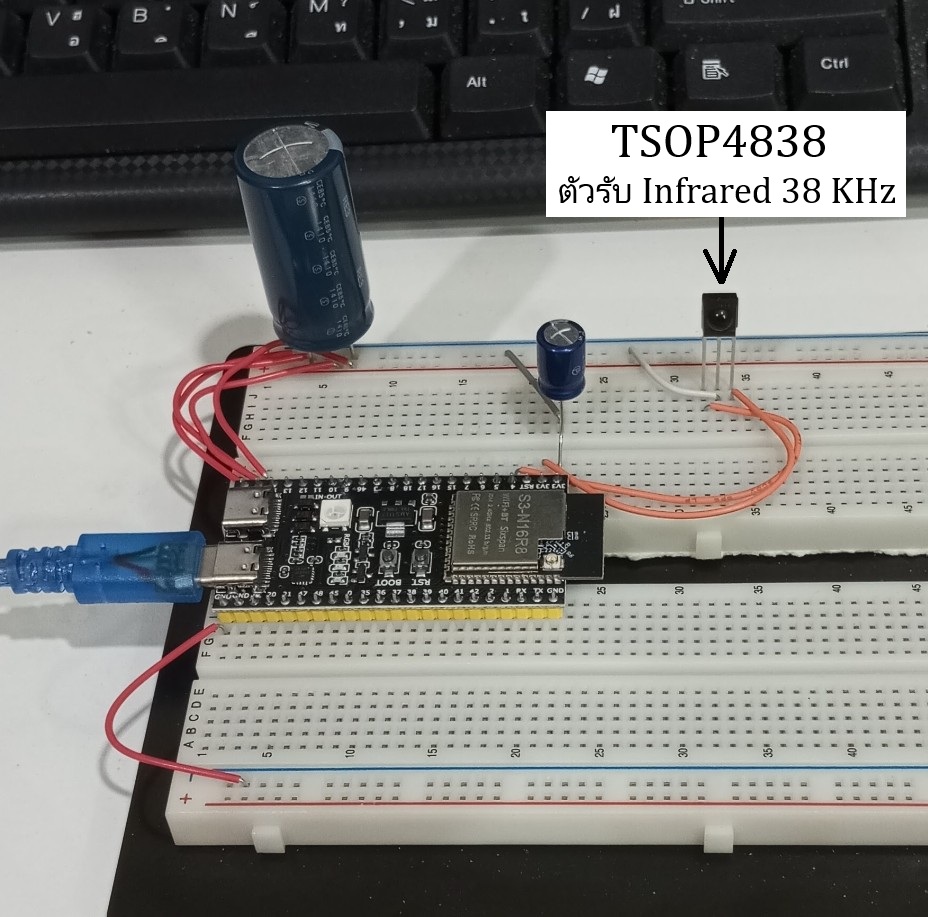
ในการหา HEX data ของแต่ละปุ่มในการกดรีโมท อุปกรณ์ที่ใช้มีเพียงเท่านี้
Code ทั้งหมด
#include <Arduino.h>
#include <IRremote.hpp>

// Define the GPIO pin where your IR receiver module (e.g., VS1838B) OUT pin is connected
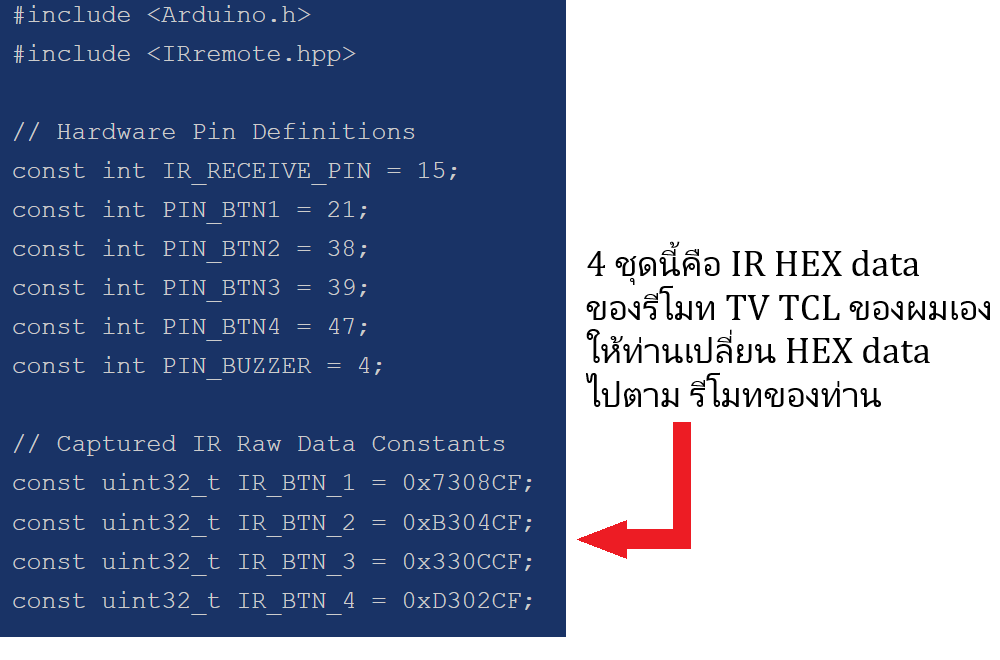
const int IR_RECEIVE_PIN = 15;

void setup() {
  // Initialize Serial communication at 115200 baud
  Serial.begin(115200);
  while (!Serial) delay(10); // Wait for Serial to open

  Serial.println("\n--- ESP32 IR Code Scanner ---");
  Serial.println("Point your remote at the receiver and press any button...\n");

  // Start the IR receiver
  // ENABLE_LED_FEEDBACK blinks the ESP32's built-in LED whenever an IR signal is detected
  IrReceiver.begin(IR_RECEIVE_PIN, ENABLE_LED_FEEDBACK);
}

void loop() {
  // Check if an IR signal has been received and decoded
  if (IrReceiver.decode()) {

    // Ignore repeat signals (when you hold down a button)
    if (!(IrReceiver.decodedIRData.flags & IRDATA_FLAGS_IS_REPEAT)) {

      Serial.print("Protocol: ");
      Serial.print(getProtocolString(IrReceiver.decodedIRData.protocol));

      // Print the 8-bit Command in HEX format (Most common for button mapping)
      Serial.print(" | Command (HEX): 0x");
      if (IrReceiver.decodedIRData.command < 0x10) Serial.print("0"); // Leading zero formatting
      Serial.print(IrReceiver.decodedIRData.command, HEX);

      // Print the full Raw Data/Address frame in HEX format for reference
      Serial.print(" | Raw Data: 0x");
      Serial.println(IrReceiver.decodedIRData.decodedRawData, HEX);
    }
    else {
      Serial.println("[Button Held Down - Repeat Signal]");
    }

    // Prepare the receiver to accept the next IR signal
    IrReceiver.resume();
  }
}